As part of a monthly tech lecture series, we will be starting with How Artificial Intelligence can help you today
This lecture will take place Wednesday, February 28, 2018 from 5 pm to 6 pm at the Bluffton Community Library

As part of a monthly tech lecture series, we will be starting with How Artificial Intelligence can help you today
This lecture will take place Wednesday, February 28, 2018 from 5 pm to 6 pm at the Bluffton Community Library
Launching a new series of technology lectures in 2018…
These live presentations with Q&A will take place at the Bluffton Community Library free of charge, open to all who wish to attend in person. They will be 1 hour in duration.
Wednesday, February 28, 2018 at 5pm – How artificial intelligence can help you today
Tuesday, March 6, 2018 at 6pm – Bitcoin and blockchain explained
Saturday, March 31, 2018 at 4pm – Crowdfunding your own project
What tech topic would you like to hear about? Let us know.
Ryan Holiday explains “The Notecard System: The Key For Remembering, Organizing And Using Everything You Read.”
This system may work in the physical world (I respect that if you need everything to be physical for some reason). I see all this possible as a digital mind map to minimize duplication (it is just a link or lines drawn to the same dot), less rewriting, simpler organization that travels with you anywhere and easier categorization for those comfortable using digital tools.
I find it interesting to watch people squirm while I explain how I do this using digital tools as they still have a reluctance (resistance) in giving up their legacy methods using paper due to their own comfort zones. If they don’t want to change and get out of their own (way) comfort zone, it is their own problem to solve.
I prefer tools and information to follow me anywhere/anytime rather than going to where it is all physically located in order to review/iterate it. Especially since new ideas are fleeting, need to be captured (vs. vanish with memory) and get linked to other ideas/needs at some point.
Yes, one of the tools I use is digital mind mapping. Not on a paper, but rather fully editable ideas. I find it a good tool for forming and dissecting ideas. Before creating an outline for a book, I start with a mind map. As I continue existing projects, I mind map them.
Mind mapping helps create dots (ideas) and connect those dots (drawing lines/relations) such as:
Then, it becomes clearer to see what gaps are there and which gaps you want to fill.
Once you are comfortable with scope (self-imposed limits) of ideas you want to cover (and what you don’t want to cover), it is easier to form an outline for writing a book.
I also use mind mapping to cover who and what topics I have covered with my podcast interviews and what I want to do in the future.
Here is a list of mind mapping tools you can use (free or paid). I happen to use Mind Meister.
And that is how I use mind mapping. How do you use mind mapping?
Need help with tools like this for your business?
Disclosure: Links to other sites may be affiliate links that generate us a small commission at no extra cost to you.
I stopped using an archaic FAX machine a while back because I don’t believe in using paper for anything.
I no longer run to an office supply store to get signed documents scanned into PDF format, emailed to the other parties and archived for my records.
I do not own a scanning printer because I am often traveling when I need access to it.
Instead, I use DocuSign. The best business investment I made for signing and sending documents in less than a minute. Someone emails you the document.
Here is what happens. Someone emails you the document to be signed. Text to speech reads me the document aloud to understand the terms and conditions at any hour. If I accept, I login into DocuSign, upload the document, e-sign the document as needed and email it back to whoever needs it.
E-signatures are more accepted in a court of law than some scrolly non-sense signature done with an ink pen. E-signatures are often geolocation stamped, time-stamped, date-stamped and IP address stamped. Not so much with a pen.
How long does it take you to sign a document and send it to the respective party in another office? When do you get the countersignature? Have you tried DocuSign?
Disclosure: Links to other sites may be affiliate links that generate us a small commission at no extra cost to you.
Is your business thinking about using keywording services or image recognition?
Here is my latest book release about image recognition and keywording services
This is the only book on Amazon when searching for “keywording”
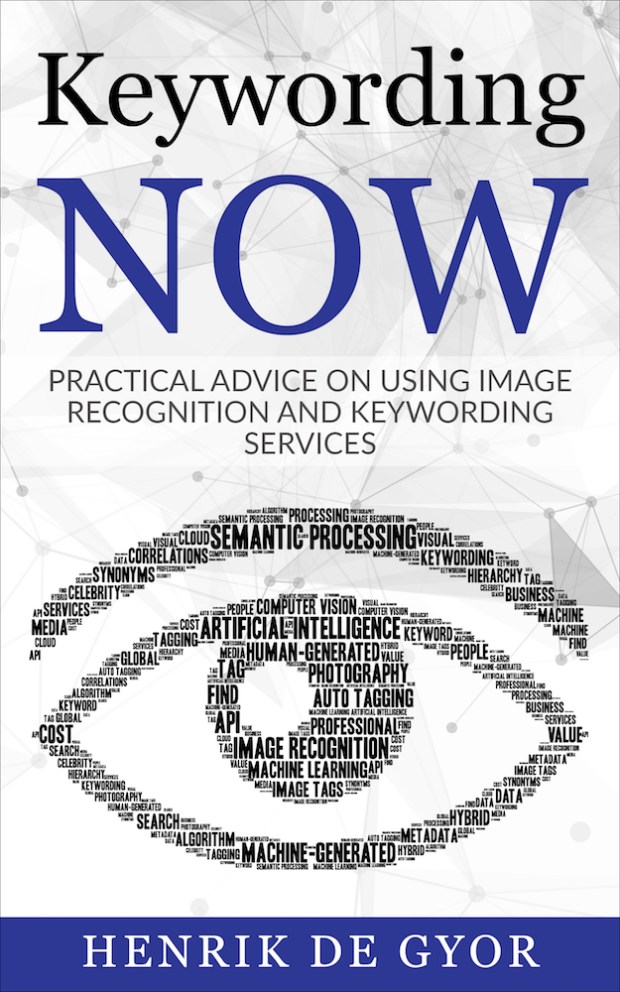
If you order a copy, please rate, review and share your experience.
 Henrik de Gyor